ChatGPT
Here’s how to connect ChatGPT to your Shake workspace.
Follow these steps
You must be on a paid ChatGPT plan, as Free users cannot connect to MCP servers.
- Open ChatGPT in a browser — this setup cannot be completed through the Mac app or mobile apps.
- In the bottom-left corner, click Your name → Settings → Apps & Connectors → select Advanced settings → turn on the switch.
- Once Developer mode is enabled, click ‹ Back at the top of the modal to return to the previous screen:
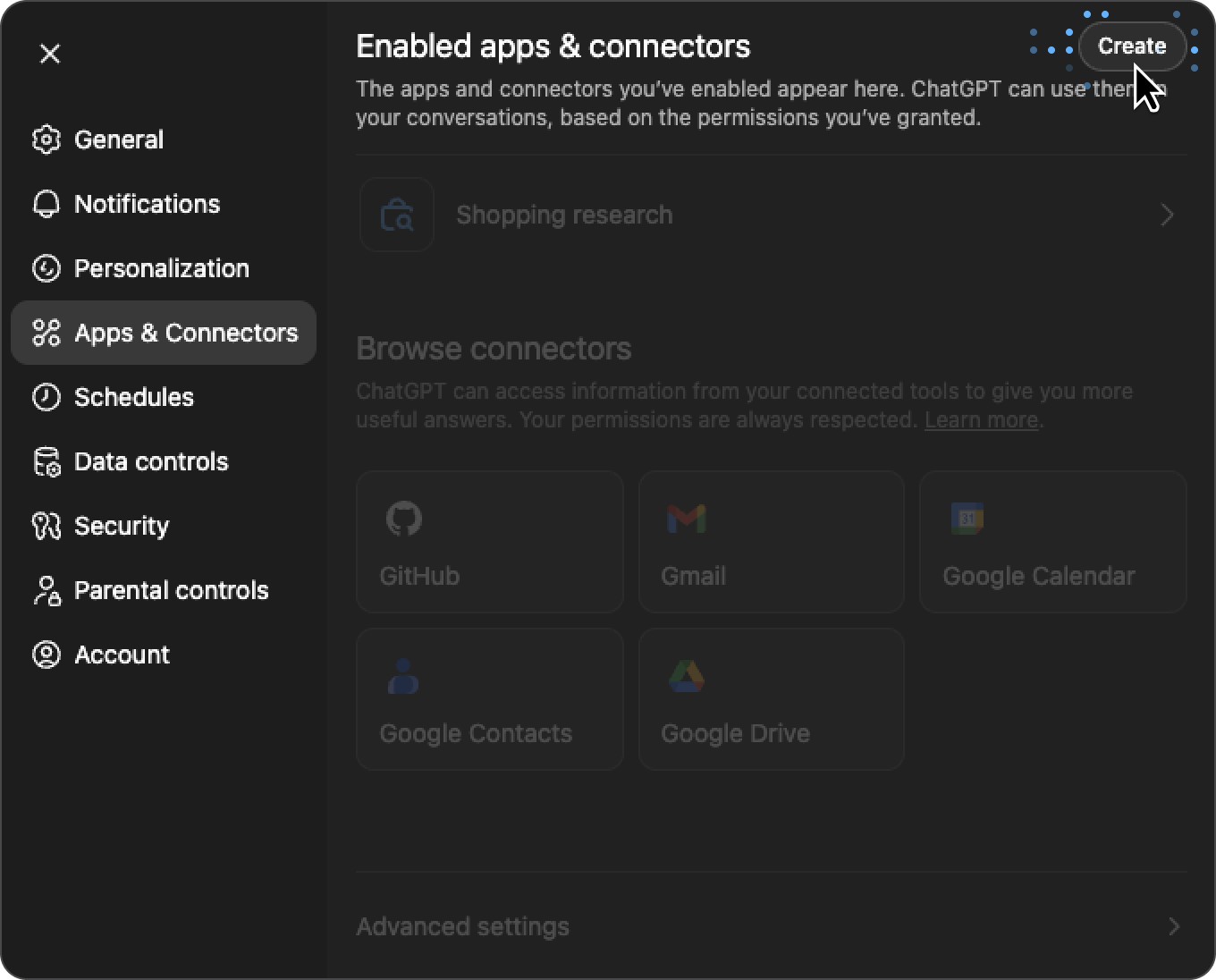
- In the top-right corner, click Create and enter the following details:
- Name: Shake
- MCP Server URL: https://mcp.shakebugs.com/mcp
- Authentication: Oauth
- Confirm that you understand and want to continue
- Click Create → you will be redirected to your Shake dashboard, where you should click Authorize.
That’s it! You can now ask ChatGPT questions about your Shake tickets — see examples.